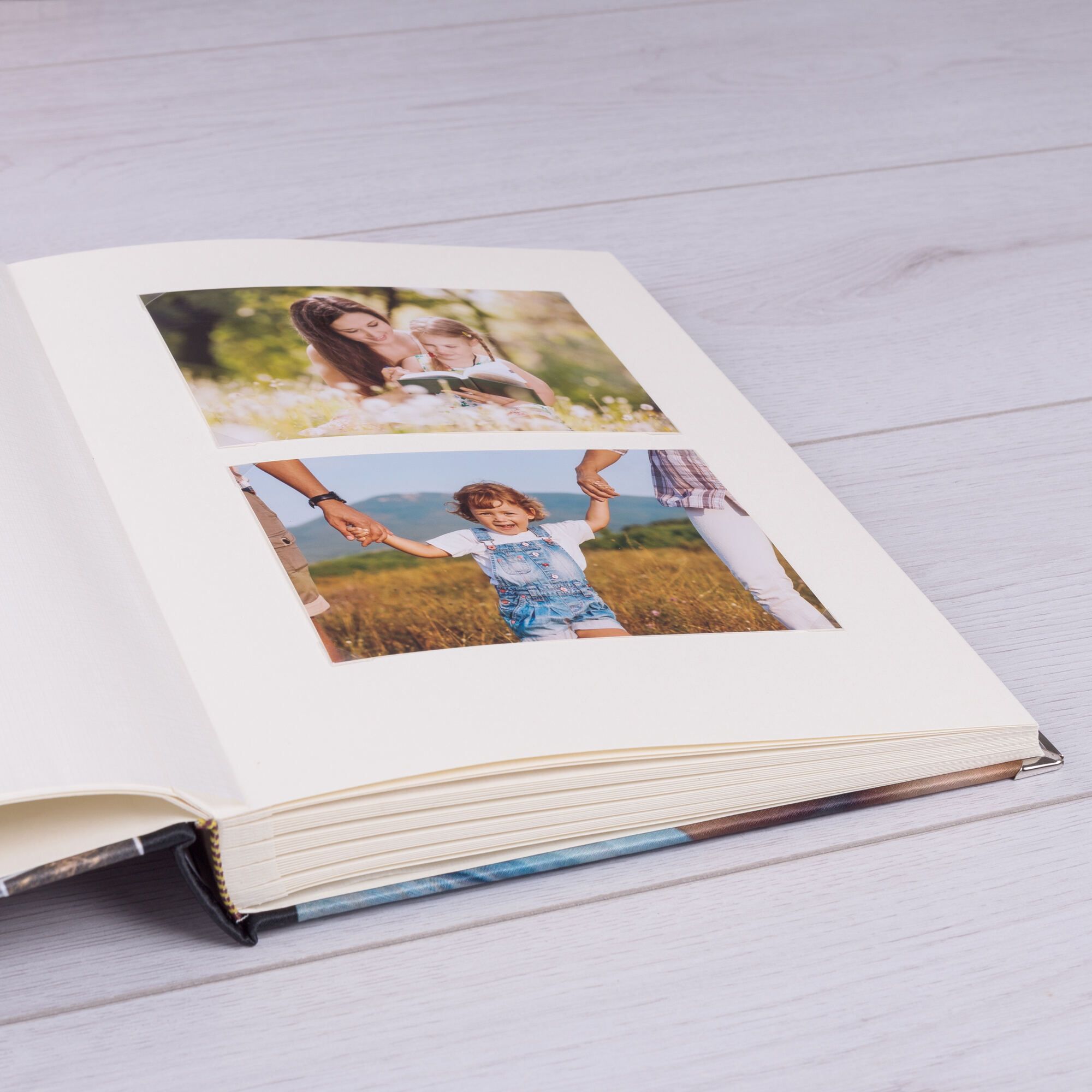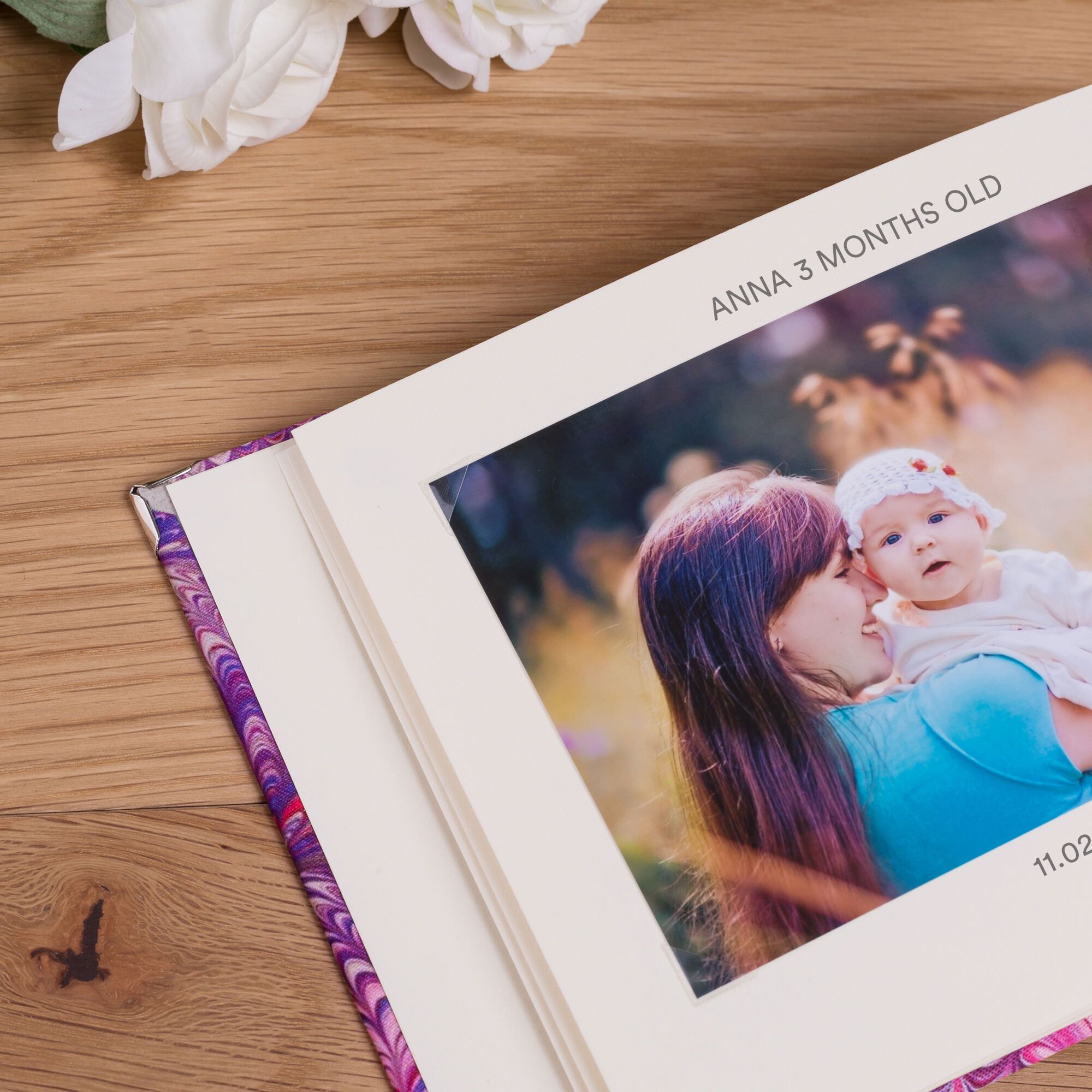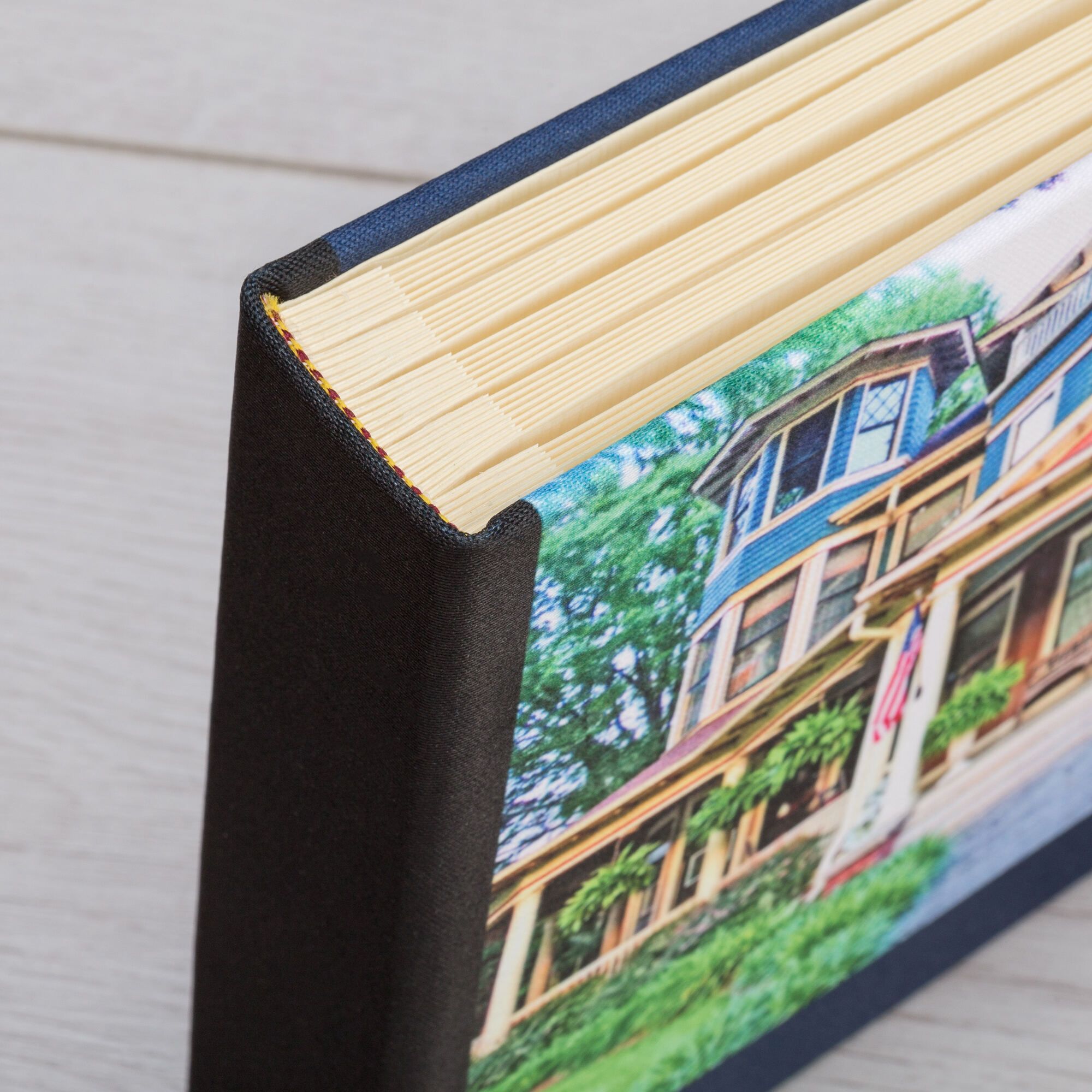
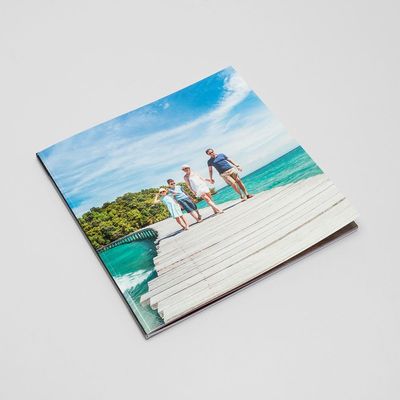
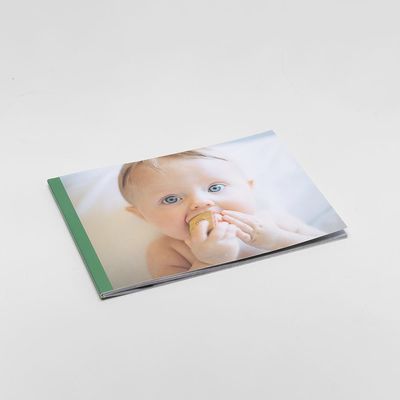
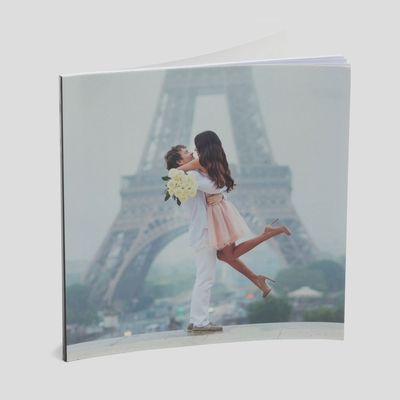
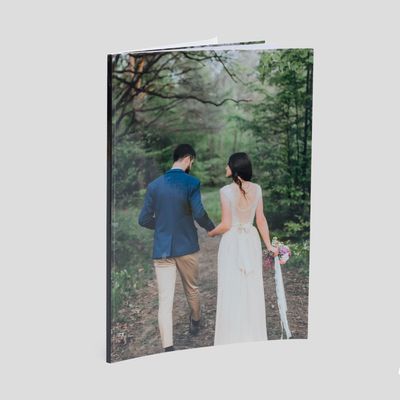
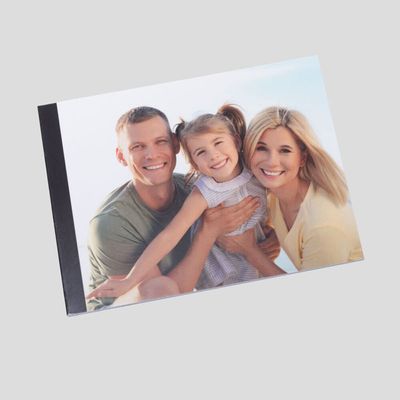
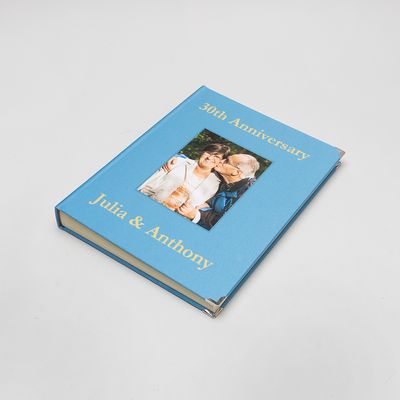
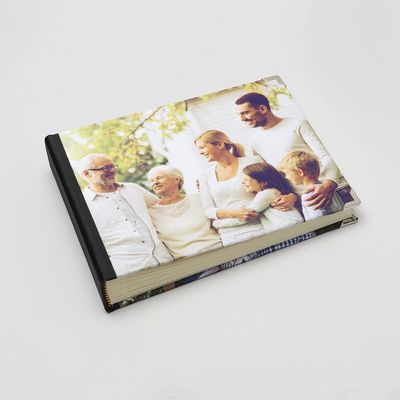

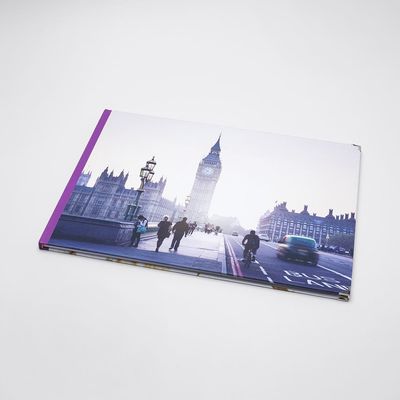
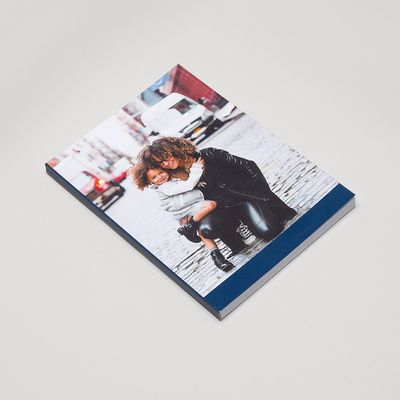
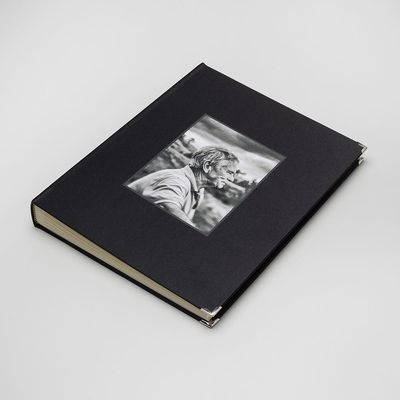
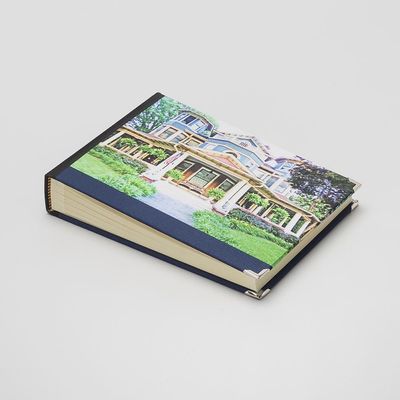
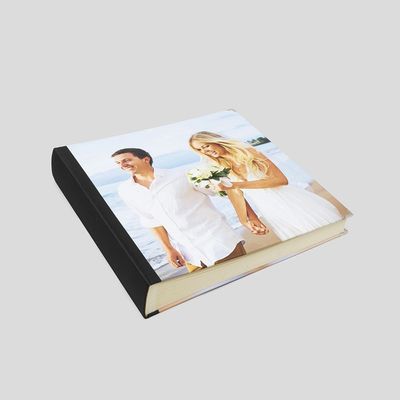
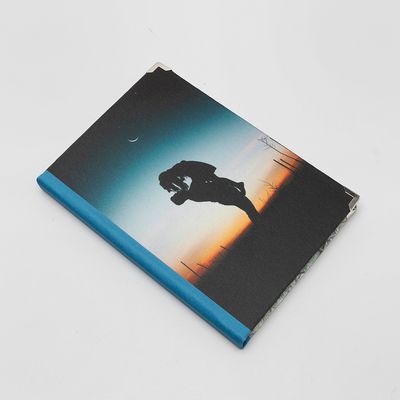
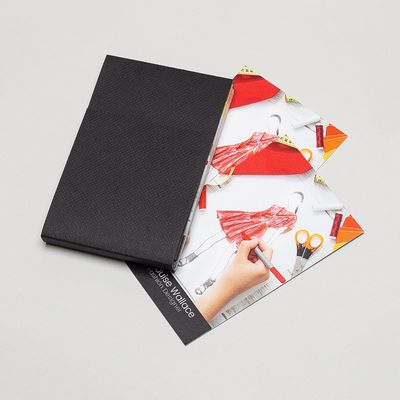
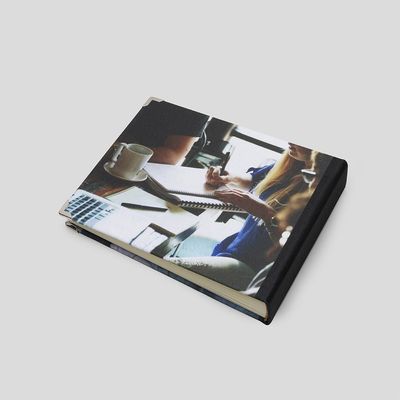
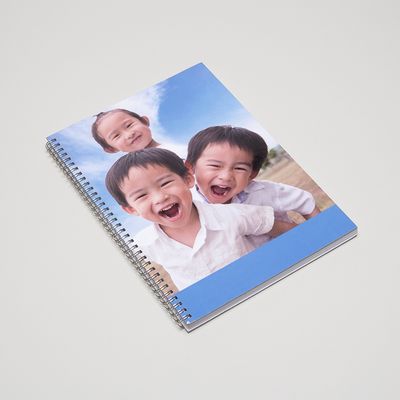
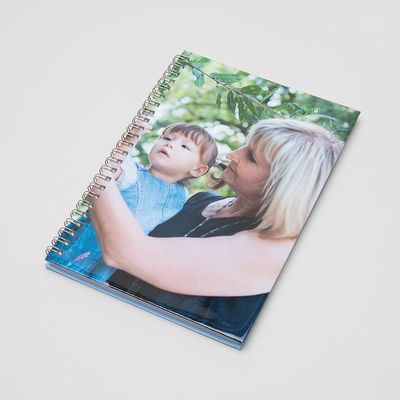
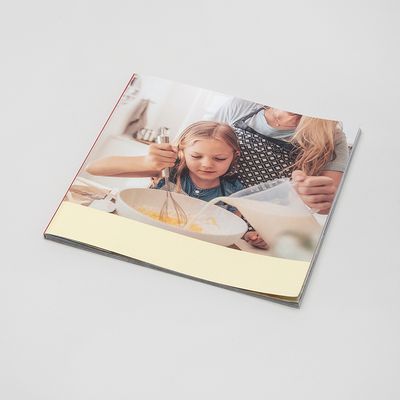
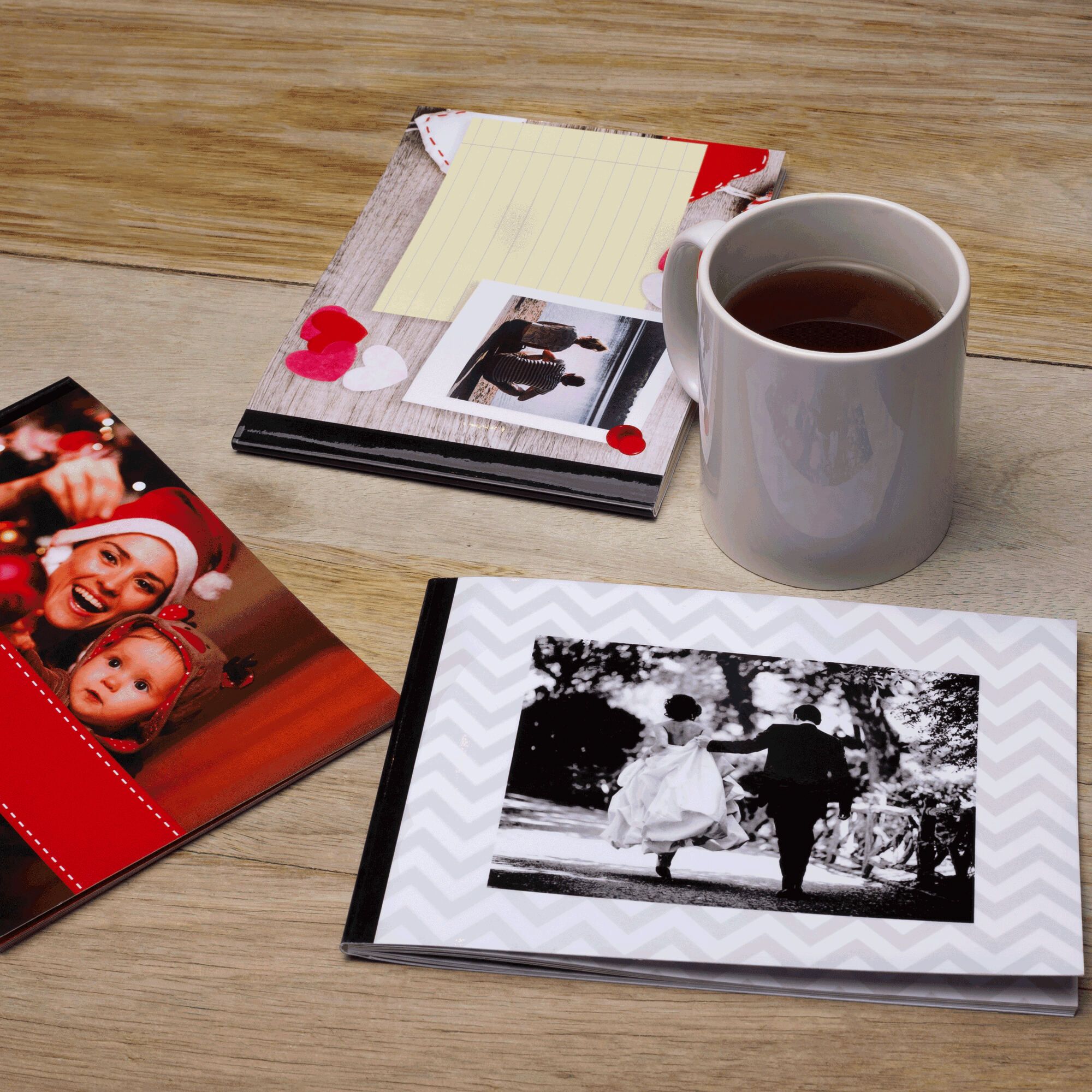
These are hardcover deluxe coffee-table style books printed on high
grade 160 gsm silk paper and have our special Satin book
cloth cover finish with your pictures on the front and back. Our PhotoBooks
are unique because we make by hand and best of all print your
images on the cover. Other producers make by machine and cannot personalise
the cover - nor do they have human artworkers taking care of layouts
and red eye problems.
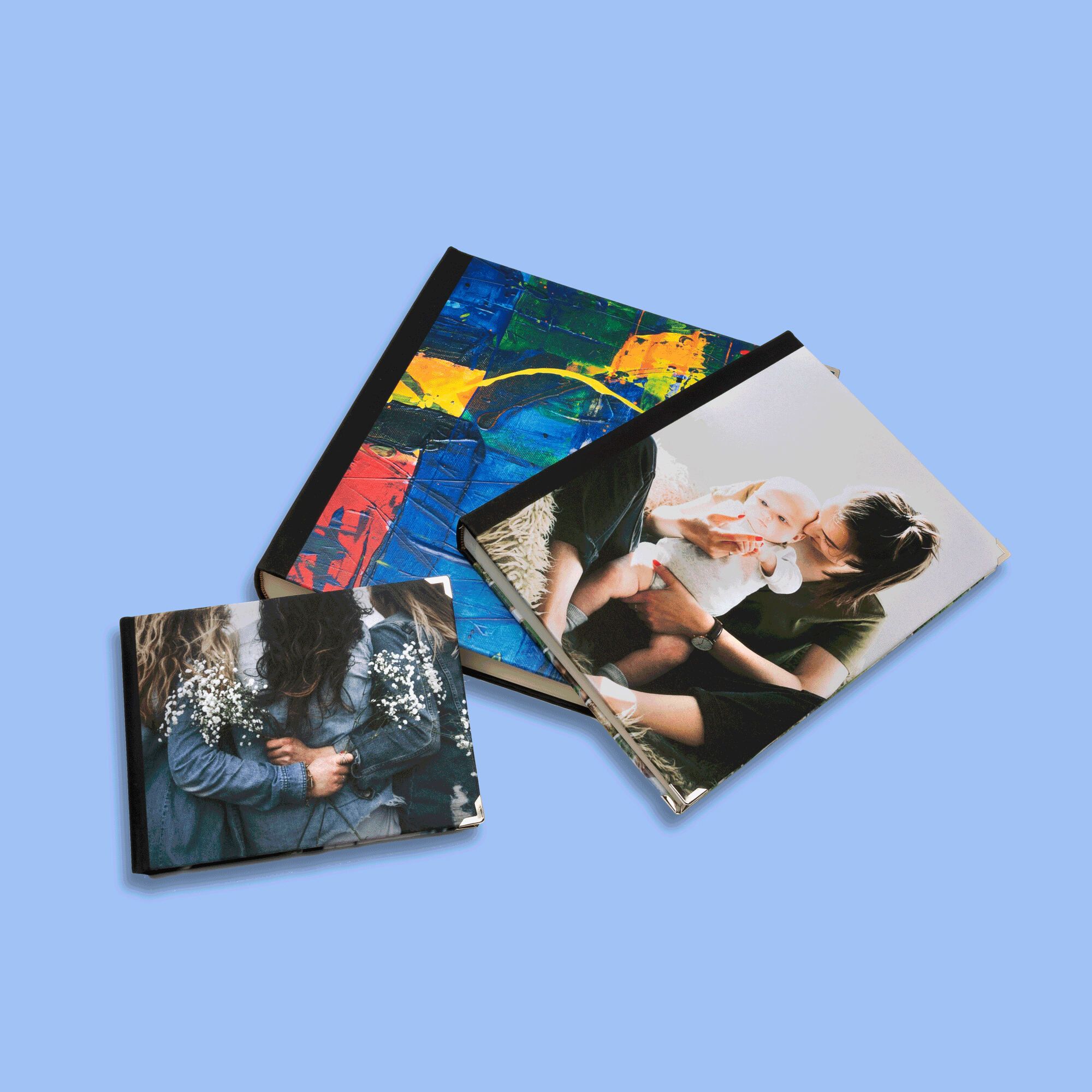
Contrado's PhotoBook is the classic way to present photos making a unique
gift. Handmade with a personalised Satin hard bound cover in three different
sizes A5, A4, and A3.
Each
PhotoBook is especially planned by our photo layout artists with your
photos printed on the pages. The results are stunning - your very own
one of a kind hard backed book. We offer FREE red eye reduction
but we can't offer blemish reduction or date stamp removal as standard
on these books due to the number of images involved. We advise you to
select images carefully and if you can, address, blemish reduction or
date stamp removal yourself. Alternatively contact us for a retouching
quotation.
Uploading Images
If you order online you can upload your images immediately
after making payment. Upload one image at a time, one image per page.
Ordering with CD
You can place your order online and elect to post your CD or simply
fill out the order form, then post CD of your images to us and we will
do the rest. Print out
your order form now.
Artworking
We do not include red eye reduction, blemish or datestamp removal for
Picture Books. Nor do we provide a scanning service from prints. However
you can accomplish these things yourself and send a CD of the finished
selection.
How to submit your images
You can either send your images to us by uploading at the end of the
order process, or on a CD by post. -- By post
In essence we need your CD containing sequenced files. Title the cover
photo 'Front', then number your image files with page number 1,2,3,4
and so on. Page 1 is a right-hand page. If you have very large images
(EG over 10mb each), this may save a lot of time waiting for things
to upload! -- Online
After you have made a secure transaction, you have the option to upload
your images. You will be presented with thumbnails so that you can make
sure you have all the pages in the correct order, and a facility for
you to include artworking guidance for each image if the re are any
areas of concern.
Tip:
When you are deciding on which photos to use, make a New Folder on your
desktop and copy all the images you are considering for your book into
that new folder. Call this folder 'Your Name Picture Book A4' (or A3,
A5 if chosen). Then view all the images one by one and look for problems
e.g.. A row of people all with a datestamp across them! Do you really
want that picture in the book? [Note we offer red eye reduction, but
not datestamp removal on picture books, so we encourage you to address
or exclude images that have problems]. Once you have examined and are
happy with your selection, you need to put them in order. A simple way
to look at a sequence is to click Views in your toolbar and then click
Thumbnails. You can now see them all as thumbnails. Then you can drag
and drop the images into sequence. The first image will be the COVER.
The next image will be the first opening right hand page - page 1. The
next image will be the page two or first left hand page. The next image
will be the following right hand page and so on. Once you have the confirmed
sequence in front of you, you MUST number them 1, 2, 3 etc. by renaming
them (right click 'rename'). Finally,
for peace of mind and clarity add the word COVER to the cover file name.
Add 'front' and back if necessary You do this by right clicking, Rename
and type Front. Any questions please call.
Tip: Landscape photos work best, but portrait can work well.
We will rotate all portrait photos to fit the page (head to spine) or
print them with white space around. All our picture books are landscape
opening with spine on the left hand side (on the short edge) - except
our new A4 portrait one
Please understand that we will print what is given to us with no adjustments
except at our discretion to help achieve best results.
Tip: Don't overcrowd the book with similar shots! Choose the
best shots and think about the page sequence.
Tip: If you are considering Text on the front or back cover please
make sure it is planned at 18pt size and is not too fine.
Tip: Double page spreads are fine for scenic panoramas but are
not advised where there are key features like text or faces that need
to meet perfectly in the middle. Our books do not open completely flat
and the hand bound process means we need to have some of the image deep
in the central bind so no white edges show.
Scanning conventional photos
We may be able to offer scanning service for PhotoBooks depending on
how busy we are. If available that the time we will charge £1
per image scanned. We strongly advise you to scan and prepare your photos
as much as possible in advance.
For
a truly stylish presentation or gift ...
To provide an extra effect why not buy your A5 or A4 photo book in one
of our superb hinged silver coloured
tins. They set off the photo book in fine style (sorry tins not
available in A3 size). We also have handmade presentation
boxes for all books, starting at £29.